Get immediate support

  • Ask your AI assistant

    • In the chat where you booked
    • Find your booking, or ask your assistant to contact Vuelo’s team for you
  • Contact Vuelo’s team

    • To change, cancel or ask about a booking
    • Have your VU- reference and the email you booked with to hand
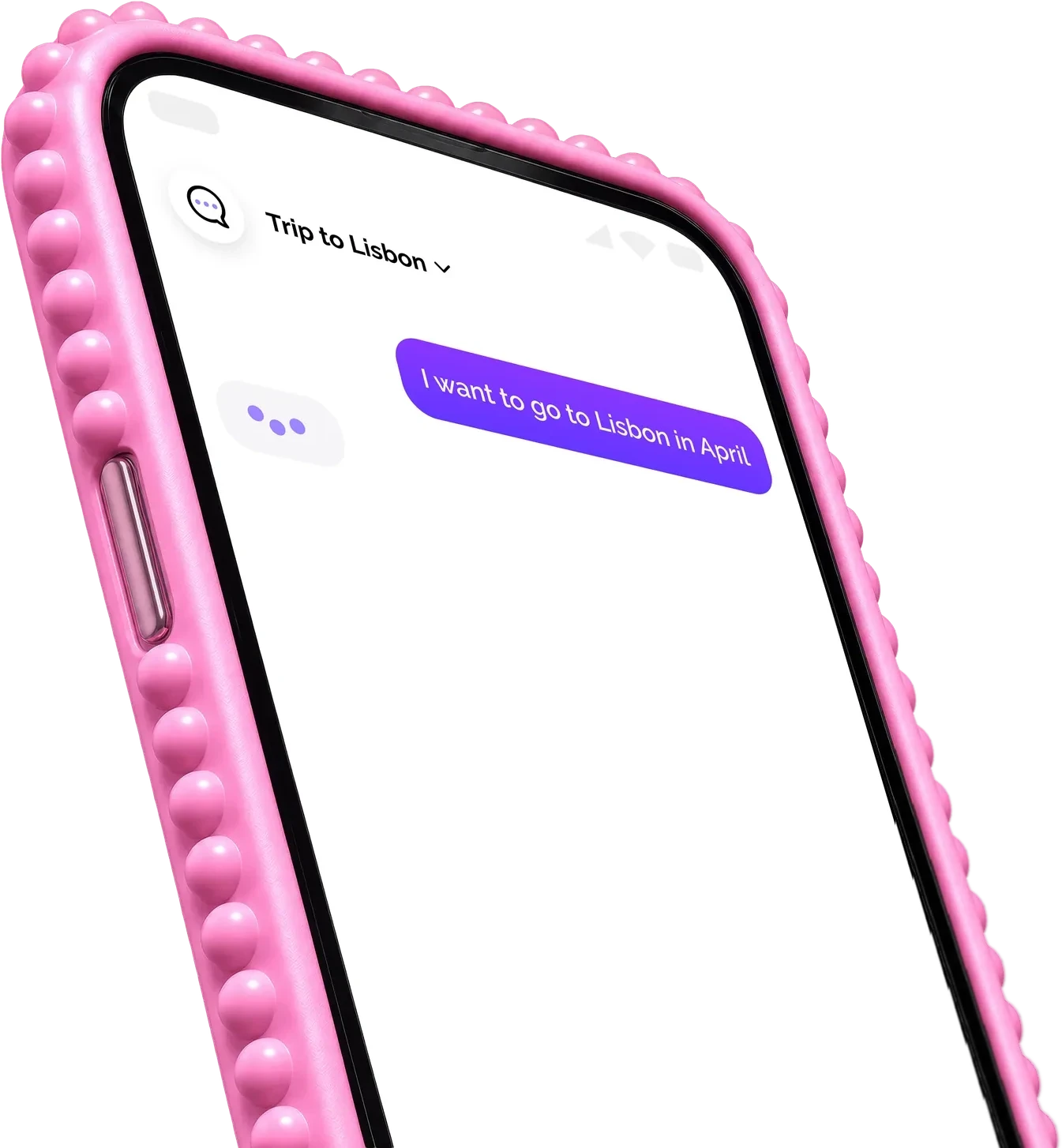
    Contact Vuelo’s team

Connecting your assistant

Vuelo in ChatGPT, Claude and other assistants is coming soon.

Soon. Adding Vuelo to your AI assistant is coming soon. Until then there is nothing to set up. See Connect your assistant for what is coming.

ChatGPT, Claude, Instinct on WhatsApp and Muse in Meta AI, as well as any other assistant that supports connectors.

Booking

How booking with Vuelo works, from your request to your confirmation.

Describe your trip to your assistant in your own words. Vuelo searches live flights and hotels and returns bookable prices, shown in full. When you choose one, Vuelo checks the price again and texts you a secure link, and you confirm on your own phone. Nothing is booked until you do.

Vuelo checks the price again before you book. If it has changed, you are asked before anything is booked.

Your booking confirmation is sent by email when you book, and we may also text it to you. Every booking has a Vuelo reference starting VU-. If you have not received your confirmation within 24 hours, contact Vuelo’s team.

Your booking is subject to Vuelo’s Booking Terms and to the rules of the relevant airline, hotel or travel provider, which are shown before you book.

Payments

Ways to pay, fees and keeping your card details safe.

You choose for each booking: pay in full when you book, or reserve your stay now and pay later. The price and terms are shown in full before you confirm. Payment options are subject to eligibility and availability, and may vary by state.

By the date shown for your booking. Review the payment deadline before you confirm. A booking may be cancelled if payment is not received when due.

No. Your assistant never sees or handles your card details. You pay on Vuelo’s secure page, on your own phone.

Prices are shown in US dollars and include all mandatory fees unless stated otherwise. Any service fee is shown before you complete your booking. Some destinations charge local taxes, such as city or tourist taxes, which we tell you about before you book where the provider has told us.

Changes and cancellations

Changing or cancelling a booking you have made.

Use Cancel booking on your booking page, or ask the assistant you booked with. It shows what you get back before you confirm. If nothing has been paid, it is cancelled at once. If you have paid, we text a code to the mobile on the booking, and nothing is cancelled until you enter it. Some bookings are cancelled by our team for you.

Before you pay, your assistant can correct a name or date of birth. After you have paid, contact Vuelo’s team with what you need. Changes depend on the airline or hotel.

The airline or hotel may charge a fee under its rules, which are shown before you book. Some fares and rooms cannot be changed or cancelled. Any Vuelo administration fee is shown before you confirm the change.

We will let you know as soon as we can and offer you alternatives or a refund.

Refunds

When and how you get your money back.

Your booking page shows what cancelling refunds before you confirm. Refunds go back to the card you paid with and usually arrive in 5 to 10 business days. Non-refundable fares and rooms return nothing.

Vuelo’s fees are non-refundable unless stated otherwise when you book.

Your bookings

Finding a booking and seeing all your trips.

Use Manage your trip and enter the mobile you booked with, and we will text you a link. You can also ask your assistant to find your booking with your VU- reference and the email you booked with.

On Your bookings. Enter the mobile you booked with and the 6-digit code we text you. From there you can open a booking to see its details, pay, cancel it or ask us to change it.

Text messages

The texts Vuelo sends and how to manage them.

To send you sign-in codes, the secure link to confirm and pay for a booking, your booking confirmation and updates about your trip. Message frequency varies with your bookings. Standard message and data rates may apply.

Text STOP in reply to any of our messages. Without texts you may not be able to sign in, confirm a booking or verify your identity. To start again, text START. For help, text HELP. See the Text Message Terms.

Privacy and security

How we protect your account and your information.
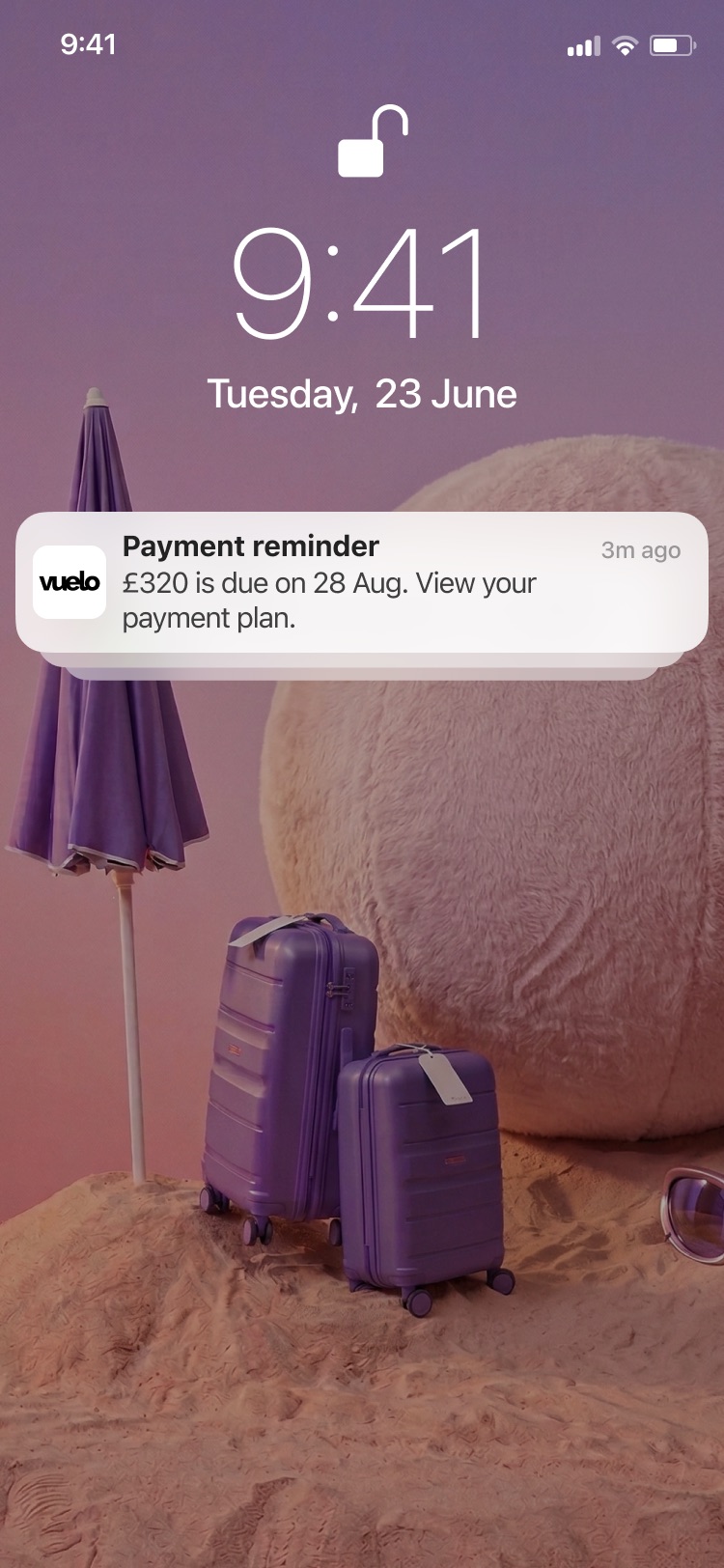
Our Privacy Policy explains what we collect and why, who we share it with and your choices. For questions, email privacy@getvuelo.com.

Keep the codes we text or email you to yourself, and enter them only on Vuelo’s own pages. If you think someone else has used your account or booked in your name, contact Vuelo’s team straight away.

Manage your trip

We text you a secure link to your booking. Use it to see your trip, pay, cancel or ask us to change it.

Lost the link? Enter the mobile you booked with and we will text you a new one.

More ways we can help

Get help where you book

With Vuelo in your assistant, you can find, change or ask about a booking in the same chat. For anything else, contact Vuelo’s team.